Of all the reasons owners put off switching booking systems, this one comes up more than price or setup time: "What happens to my customer list?" Years of knowing which regulars want the corner table, who's got a nut allergy, who no-shows without calling — it feels like it lives inside the old software, and switching means losing it.
It's a fair worry. But the honest answer is more useful than either extreme people assume: you won't lose what actually matters most, and you won't get a magic one-click import either. Here's what's really going on, and what to do about it.
What's actually stored in "your customer list"
Before worrying about losing it, it's worth being specific about what it is. For most small restaurants, it's some mix of:
- A spreadsheet or notebook a manager keeps, with phone numbers and the odd note
- Whatever your current booking platform shows you — names, contact details, maybe a visit count or no-show flag
- Knowledge that isn't written down anywhere — the stuff your head server just knows about your regulars
That third category is usually the part owners are actually afraid of losing, and it's the part no software — old or new — ever really held in the first place. It lives with your staff. The first two are what a system migration can genuinely affect, so that's what to focus your effort on.
Before you cancel anything: get what you can out of the old system
This is the step that's easy to skip because it feels like admin, not setup. Do it before you cancel, not after — once a subscription lapses, you typically lose the ability to log in and pull anything out at all.
Most booking platforms let you export a guest or booking list as a spreadsheet from somewhere in their settings or reports section. Even if the export is messy, grab it. At minimum, write down (or screenshot) your actual regulars: name, phone number, and whatever detail matters — allergy, preferred table, a no-show history worth remembering. You don't need every guest who's ever booked once. You need the twenty or thirty people your staff would recognise by name walking in.
Keep that list somewhere outside either platform — a shared doc, a note on the manager's phone. It's your backup regardless of what the new system can or can't do with it.
Be realistic about what carries over automatically
No restaurant booking platform — DiningMate included — reads a competitor's database and pulls your history in for you. There's no import button that takes your old guest list and repopulates it on day one. If a sales pitch implies otherwise, ask exactly how it works before you rely on it.
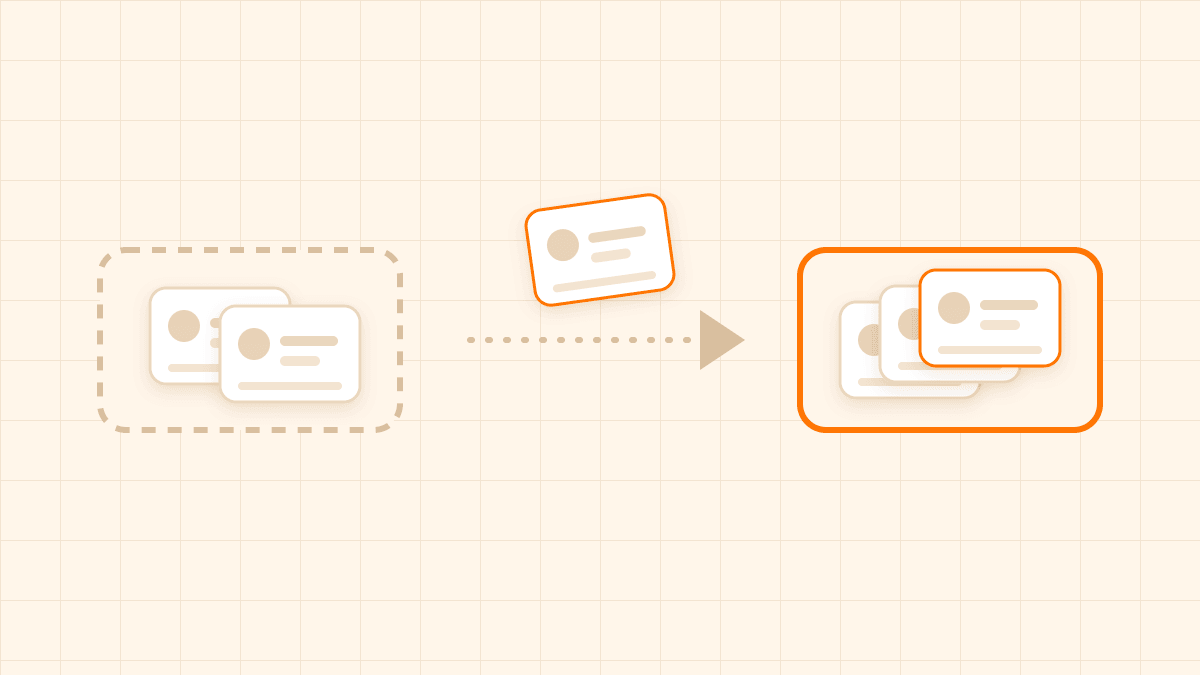
What that means practically: on day one with a new system, your guest history starts from zero. A regular who's visited forty times will show up as a first-time guest unless someone tells the system otherwise. That's a real loss, but it's a narrower one than "my customer list is gone" — you're not losing the relationship, just a count.
If you've already downloaded your data from your old system, that doesn't have to be the end of it. Get in touch at support@diningmate.com.au and we'll review what you've exported and add whatever we can to DiningMate for you. What's possible depends on what your old platform gave you, so we'll tell you upfront what can come across and what can't.
How the list actually rebuilds from here
Once you're running on DiningMate, guest history starts accumulating automatically from that point forward, matched by the guest's email address — so the "returning guest" picture gets more accurate every week, without anyone doing manual data entry for it. The catch is that the match depends on the email on the booking: a booking with no email can't be linked to a guest's earlier visits. A few things that happen without extra effort once bookings with an email start coming through:
- From a guest's second visit on, their booking carries a visit badge (2nd visit, 3rd visit and so on), and any no-shows are flagged. The booking detail view shows their last visit and a short list of recent visits, all built from their actual bookings in the system.
- If you run more than one location, that history isn't siloed — a guest who's visited either of your venues shows up as a returning guest at both, under the same owner account.
- When a regular calls and staff start typing their name into a manual booking, matching past guests come up, and picking one fills in their phone number and email — so day two of using the new system still saves time on repeat callers, it just needs that first booking to exist in the new system before it can recognise them.
The one thing worth doing manually, and when
There's a free-text staff note field on every booking, keyed to the guest's email, that shows up on every future booking from that same email — including at other locations if you have them. It's meant for exactly the kind of detail that usually lives in a staff member's head: "always wants the window table," "arrives early," "allergic to shellfish."
The highest-leverage thing you can do in the first week isn't trying to re-create your full old guest list — it's taking the short list you wrote down before cancelling your old system (your actual regulars, not everyone who's ever booked) and adding that note the next time each of them books or calls in. Do it as they come back naturally rather than trying to bulk-enter everyone up front; you'll cover your most frequent guests within the first few weeks just through normal turnover, and you won't be typing in details for people who may not come back for months anyway.
This is also the point of running your old and new system side by side for a stretch rather than cutting over in one day — the gap between "old system has the history" and "new system has rebuilt it" closes fastest while regulars are still booking through both.
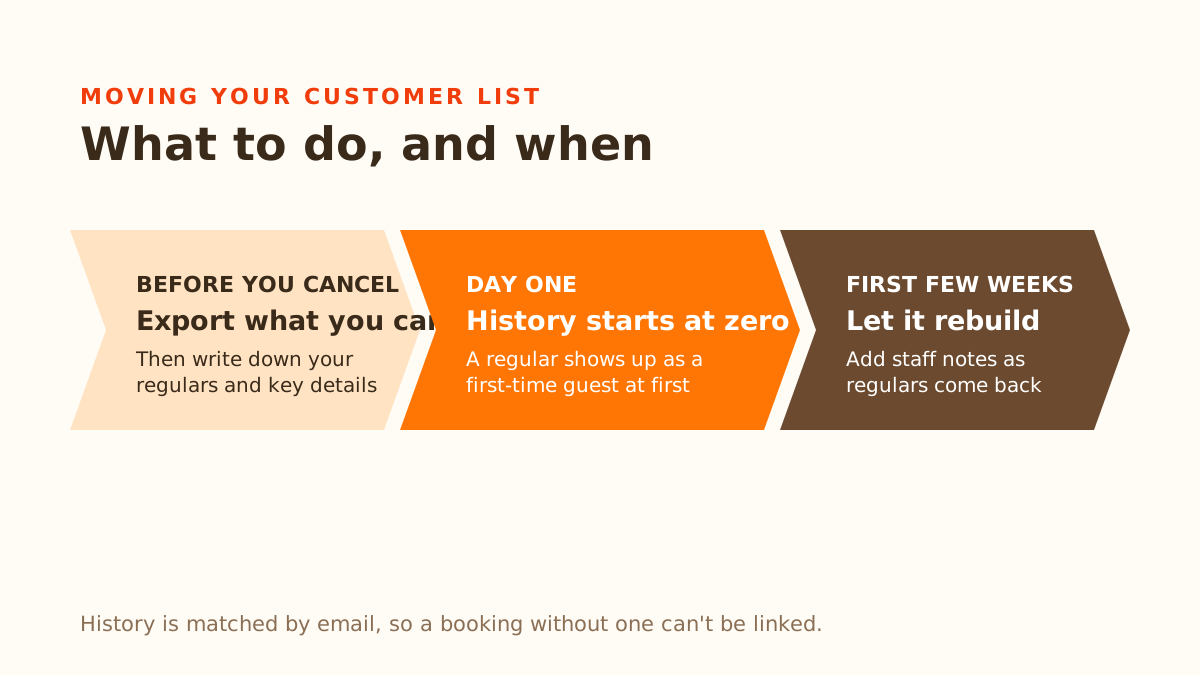
A short checklist
- Export whatever your current platform lets you, before cancelling — not after.
- Separately, write down your actual regulars by name, phone, and the detail that matters for each — allergy, preference, no-show pattern.
- Expect day one to start guest history at zero. That's normal, not a bug.
- As regulars book or call in again, add their detail to the staff note field on their booking so it's there every time from then on.
- Don't try to bulk re-enter your whole old list at once — let it rebuild through normal bookings over the first few weeks.
Losing a database count isn't the same as losing the relationship. The second one was never really stored in software to begin with — it just needs a place to live again once you've moved.