Most restaurants don't set out to design a table management system — it accretes. A laminated floor chart with grease pencil marks, a whiteboard behind the host stand, a mental map the longest-serving staff member carries around. It works, until the night it doesn't: two staff seat the same table five minutes apart, or a large booking gets jammed into a corner because nobody remembered table 14 only seats two. This post is about what actually changes when table management moves from that kind of manual system to a digital one — not as a sales pitch, but as a way to work out whether your restaurant is at the point where it matters.
What manual table management actually is
"Manual" covers a range of setups, but they share the same core mechanic: a human looks at a static picture of the floor — on paper, on a whiteboard, or just in their head — and decides where a booking goes based on memory and a quick scan.
This works well when:
- One person owns the floor at a time. If only one staff member is ever deciding where bookings go during a shift, there's no risk of two people assigning the same table without knowing it.
- Volume is low enough to hold in your head. A dozen bookings a night across eight tables is genuinely easy to track without any system at all.
- Walk-ins and bookings rarely collide. If most of your covers are walk-ins and bookings are rare, the stakes of a mix-up are low.
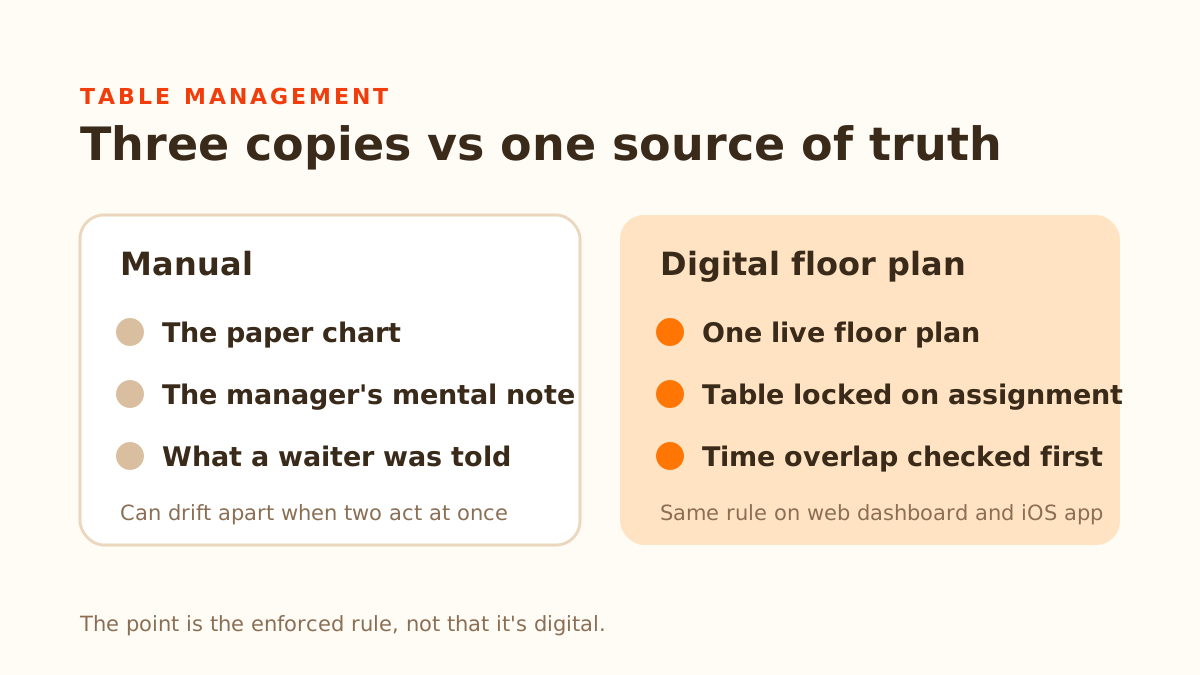
It starts to break down for a specific reason, not because paper is inherently bad: a static chart has no idea what's happening on other copies of itself. If the host stand has a chart and the manager has a mental note and a waiter is told verbally, those are three separate "sources of truth" that can drift apart the moment two of them act at once. The chart doesn't update itself when someone seats a table — someone has to remember to mark it, and during a rush, that's exactly the step that gets skipped.
What changes with a digital floor plan
A digital system replaces the static chart with a live one, and the useful part isn't that it's digital — plenty of restaurants run a shared spreadsheet and still get double-booked — it's that the system itself enforces the rule, rather than relying on every person who touches it to remember to.
In DiningMate specifically, this looks like:
- A floor plan that matches your actual room. Table shapes, positions, and capacity are set up once in a floor plan editor, so the on-screen layout looks like your dining room rather than a generic grid of boxes.
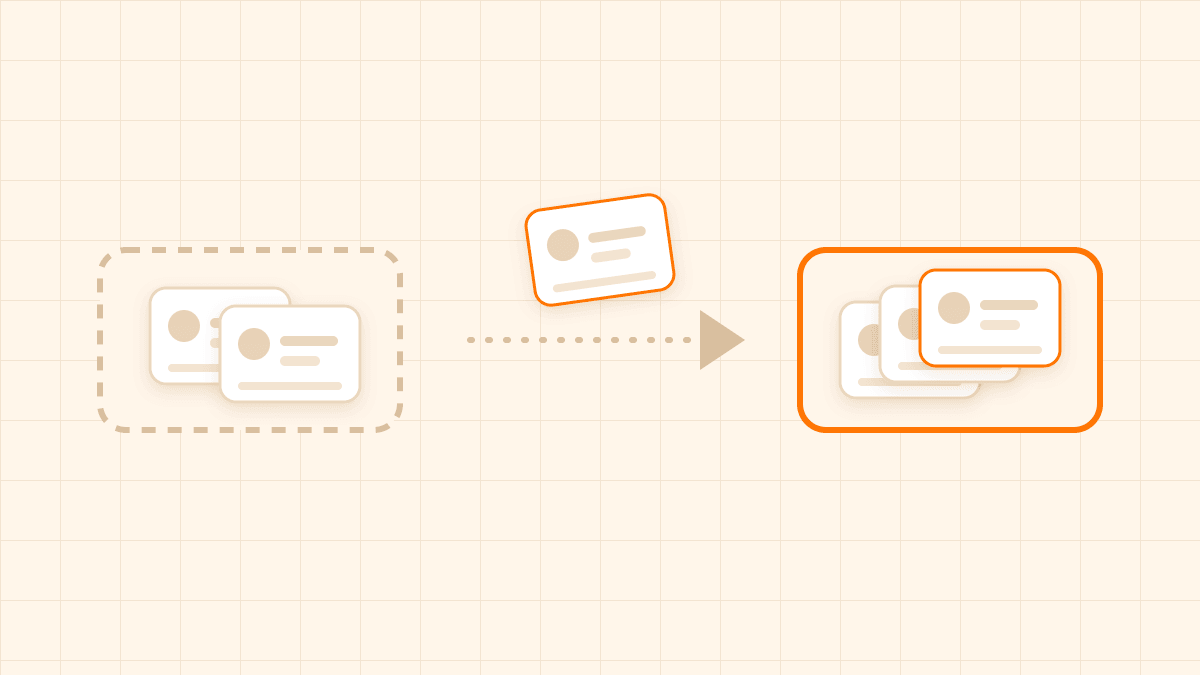
- Drag-and-drop assignment. Unassigned bookings sit in a tray; a staff member drags one onto whichever table it should sit at. This is the same physical motion as moving a card around a whiteboard — the difference is what happens underneath it.
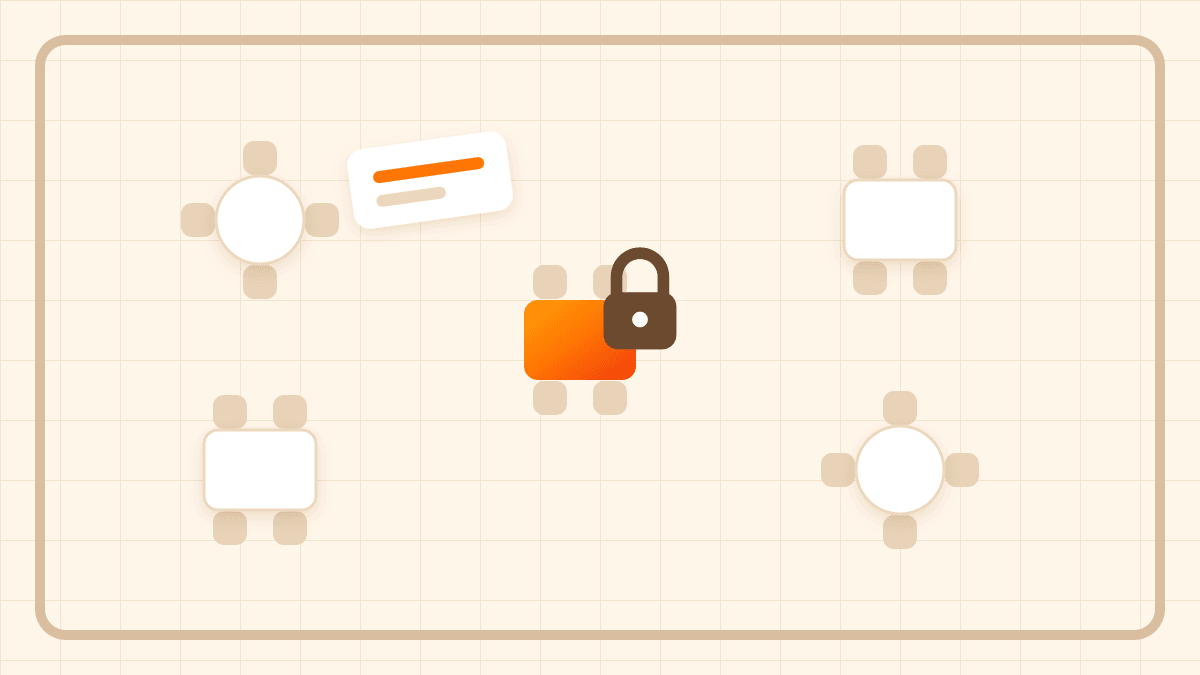
- A write-time guard against double-booking, not a visual warning. When a booking is assigned or moved to a table, the system locks that table and checks for a time overlap before the write is allowed to go through — regardless of whether the assignment came from the web dashboard or the iOS app, and regardless of whether two staff members tried to act on the same table within the same second. A paper chart or shared spreadsheet can't do this: it can only show you what it last knew, not stop a conflicting write from happening.
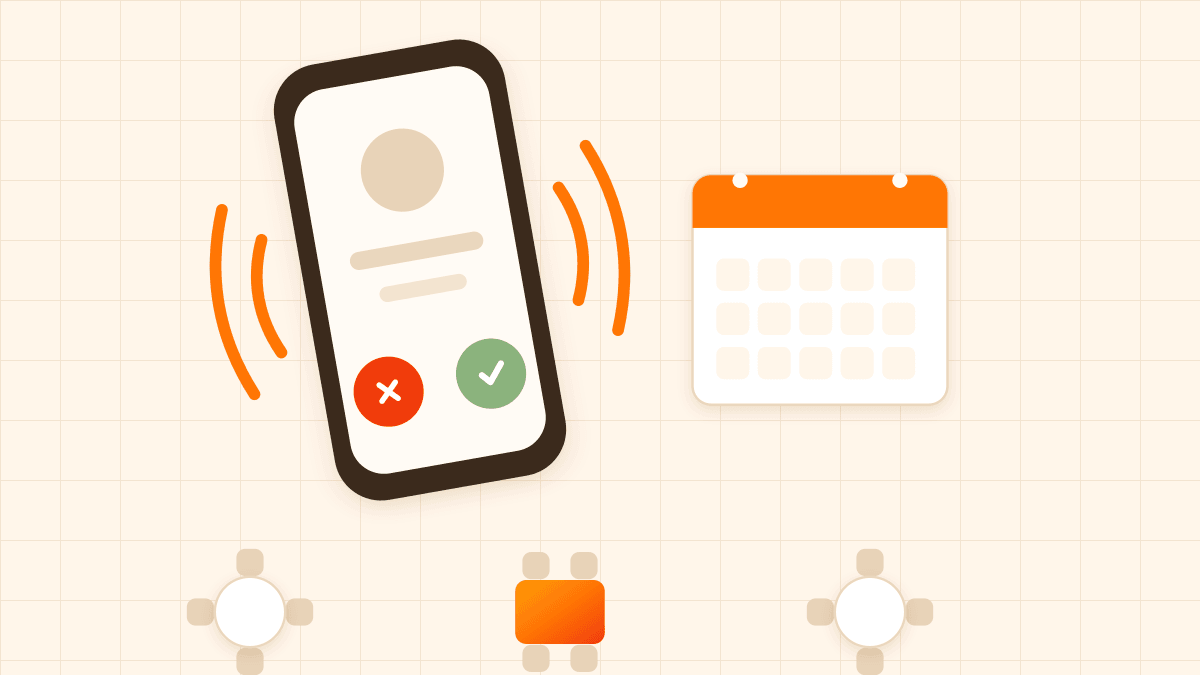
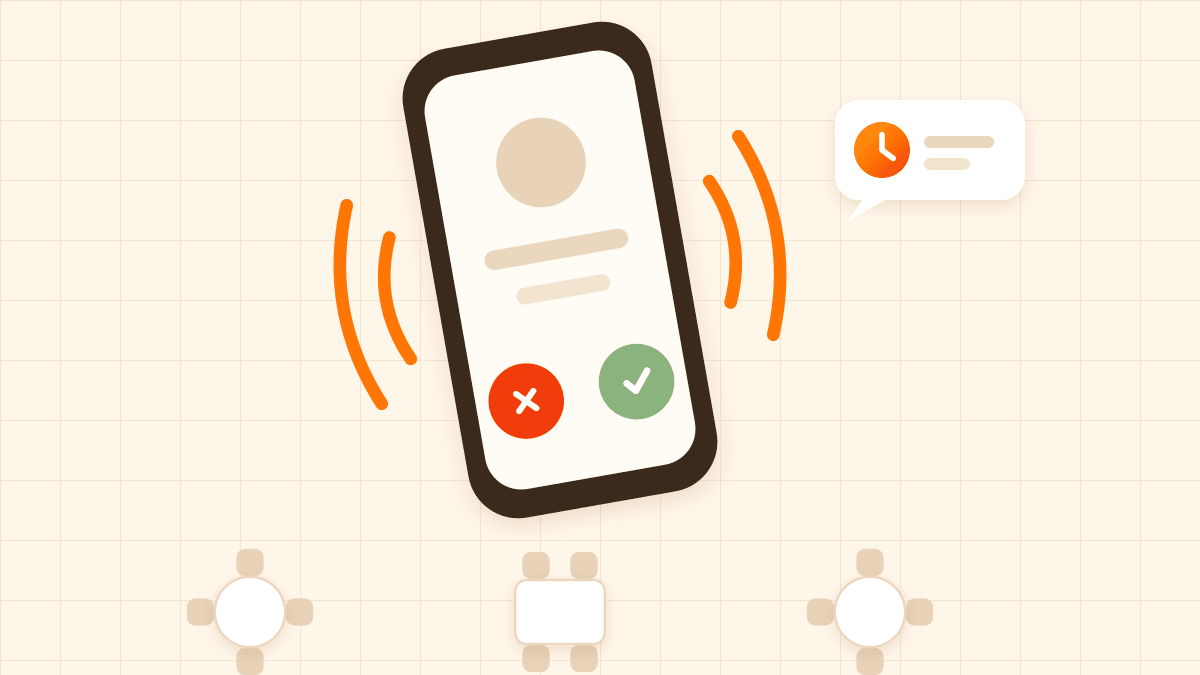
- Automatic fit-finding for online bookings. When a guest books online without staff involved, the system looks at your active tables sorted by capacity, picks the smallest one that fits the party, and — if no single table fits — tries combinations of tables you've marked as connectable (so a party of eight can land on two four-tops you've linked together, but only if every table in that link is free). It also respects table-level settings you control: a minimum capacity so a two-top doesn't swallow a party of two at your ten-seat table, and an "available online" toggle for tables you want to reserve for walk-ins or staff-only seating.
- Staff can still override it. Admin-assigned bookings aren't forced through the automatic best-fit logic — a staff member can seat a booking on any active table, for reasons the algorithm wouldn't know about (a regular's favourite spot, a wobbly table being avoided, a large party split across the room on purpose). The double-booking guard still applies no matter who makes the choice.
When manual is genuinely still fine
It's worth saying plainly: if you're a small venue where one person manages the floor and bookings are light, a whiteboard is not a problem you need to solve. The actual risk factor isn't the size of your restaurant — it's whether more than one person, or more than one channel (phone, online, walk-in), can commit a table at the same time without immediately telling the others. A single host taking every booking by phone, at a venue with eight tables, is low-risk by construction: there's no second actor to collide with.
The risk shows up specifically when any of these become true at once: multiple staff can seat tables independently, bookings arrive through more than one channel (a phone call and an online form, say), or the venue is big enough that nobody can glance at the whole floor from one spot. That combination is what makes a double-booking a matter of "when," not "if" — not because staff are careless, but because a static chart genuinely cannot prevent two people from acting on the same information at the same moment.
How to tell which situation you're in
A useful test: think back over the last month and count how many times a booking landed on a table that was already taken, or a large party got seated somewhere too small because nobody had an up-to-date view of what was free. If the answer is "basically never," your current setup is working and there's no need to change it just because a more automated option exists.
If it's happened more than once or twice, that's usually not bad luck — it's a sign that more than one person or more than one booking channel is now writing to the same floor without a shared, enforced source of truth. That's the specific problem a live floor plan with a write-time overlap guard is built to solve, and it's worth weighing against the cost of switching.
DiningMate runs a flat $49/month with a 3-month free trial that doesn't require a card to start, which makes it practical to actually test this against your own busiest nights — table assignment included — before deciding whether it's solving a real problem for your restaurant or not.