Every restaurant owner has a story about a table held for a party of six that never showed, on a Saturday night, with a queue of walk-ins standing at the door. No-shows aren't just annoying — they're a direct, measurable revenue loss, because a table sitting empty at 7:30pm on a Friday isn't a table you can sell again for that slot.
The instinct is often to get strict: require a credit card for every booking, charge a fee for any change of plans, make the process feel like a hotel deposit. That approach can work, but it also pushes away casual diners who just want to book a table without friction. The better approach is layered — a few low-friction habits that catch most no-shows before they happen, plus a fallback for the guests who genuinely don't show up.
Why no-shows happen more than owners think
Most no-shows aren't malicious. A guest books three weeks out, forgets, and by the time the date arrives it's not even a conscious decision to skip it — it's just gone from their mind. Others book at two or three places "to decide later" and never cancel the ones they don't use. A smaller group treats a booking as genuinely low-stakes because, as far as they know, nothing happens if they don't show.
Each of those has a different fix. Forgetting is solved by reminders. Multi-booking is solved by making cancellation easy enough that people actually do it. Low-stakes bookings are solved by making the booking feel like a real commitment — without making it feel like a threat.
Start with reminders, not penalties
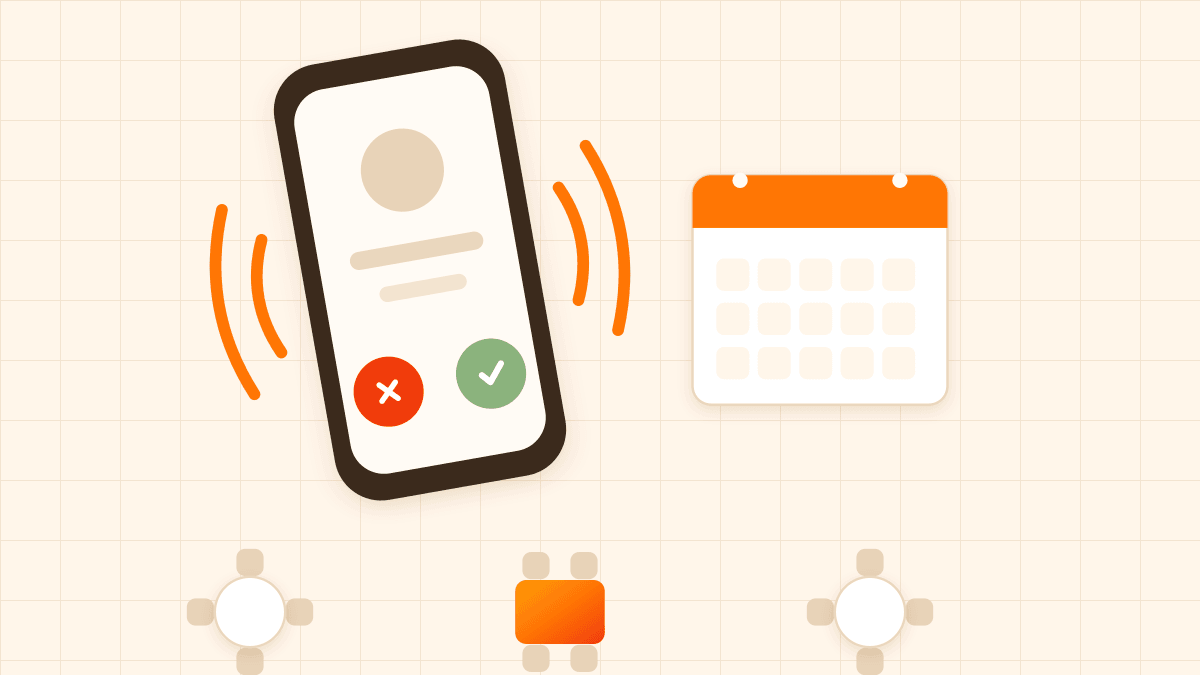
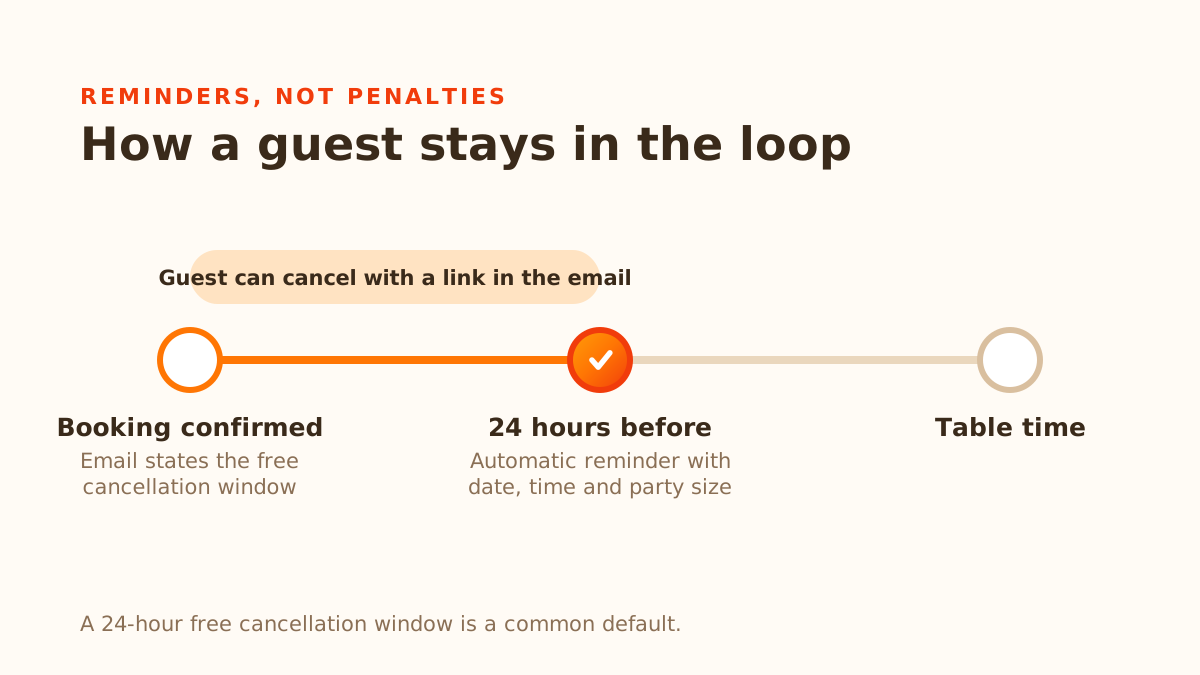
The single highest-leverage fix is also the least confrontational: an automatic reminder sent 24 hours before the booking. It doesn't cost the guest anything, doesn't require a card, and it directly targets the most common cause of no-shows — people simply forgetting. A reminder that lands the day before, with the date, time, and party size clearly stated, catches most of the "I completely forgot" cases before they become a lost table.
This only works if it's automatic. If reminders depend on a staff member remembering to call or text guests the day before, it competes with every other task on a busy day and quietly stops happening during your busiest weeks — exactly when you need it most. DiningMate sends this reminder automatically for every confirmed online or manual booking with an email on file, once per booking, timed to arrive with enough notice to be useful but not so early that it's forgotten again by the time the date arrives.
Make cancelling easier, not harder
It sounds backwards, but making cancellation simple reduces no-shows. A guest who booked three restaurants for the same night and settled on one elsewhere will cancel the other two if it takes ten seconds — a link in a confirmation email, no phone call required. If cancelling means calling during business hours and possibly getting no answer, that same guest just doesn't bother, and you find out at 7pm that the table isn't coming.
A clear, generous-but-bounded free cancellation window (24 hours is a common default) gives guests a real reason to cancel instead of ghosting: they know they won't be charged anything if they let you know in time. That window should be visible in the confirmation email, not buried in terms guests never read.
Use a no-show fee as a backstop, not a first move
A card-on-file policy adds friction for every guest it applies to, so it isn't something to switch on lightly — for a couple or a small family dinner it can cost you more in friction than it saves in recovered revenue. It earns its place when a single no-show is genuinely expensive, such as a busy Friday or Saturday service where an empty table can't be resold. Keep the amount modest, and if you charge per person, larger parties naturally carry a larger fee.
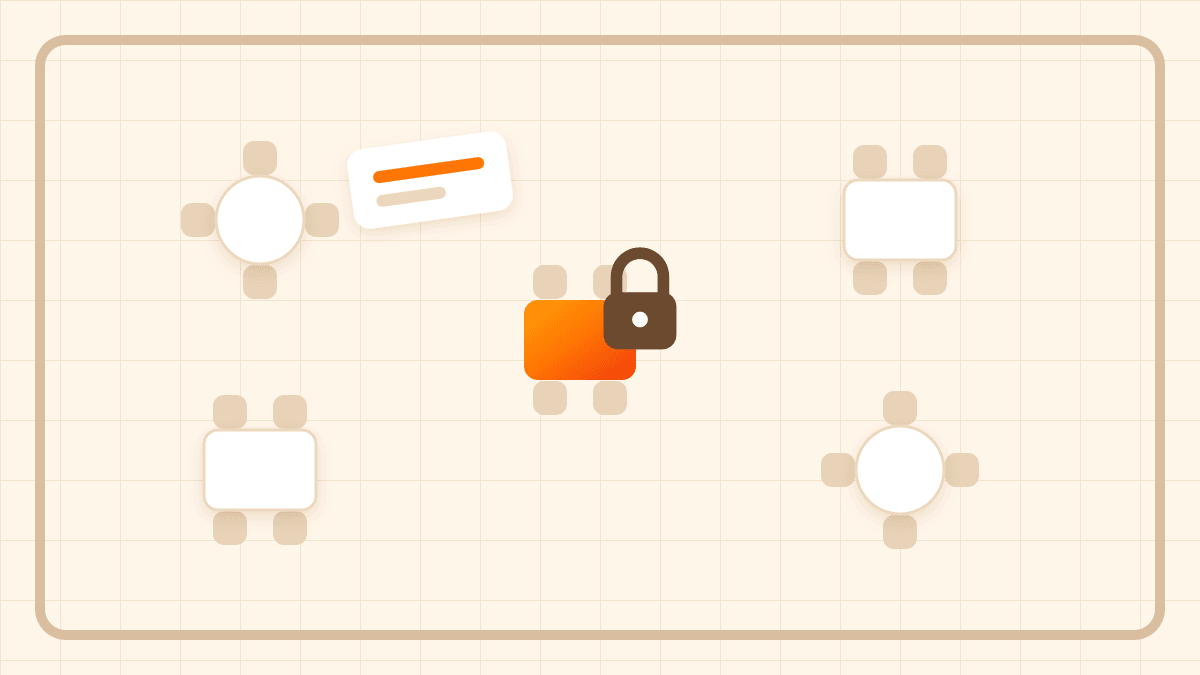
Done well, this doesn't mean charging guests upfront. A well-designed system holds a guest's card details at the time of booking without charging anything — it's a saved payment method, not a deposit. If the guest shows up, nothing happens. If they cancel within your free window, nothing happens either. Only if they no-show, or cancel after the cutoff, does the restaurant have the option to charge a fee — and it should be an option the staff member actively decides on, not something that fires automatically the moment a booking is missed. That matters because there are legitimate reasons a party is late or a plan changes at the last minute, and an automatic charge doesn't leave room for judgment.
If you introduce a fee policy, say so clearly at the point of booking — in the confirmation, not as a surprise after the fact. Guests are far more tolerant of a stated policy than an unexpected charge, even when the amount is the same.
Don't rush to mark a table as a no-show
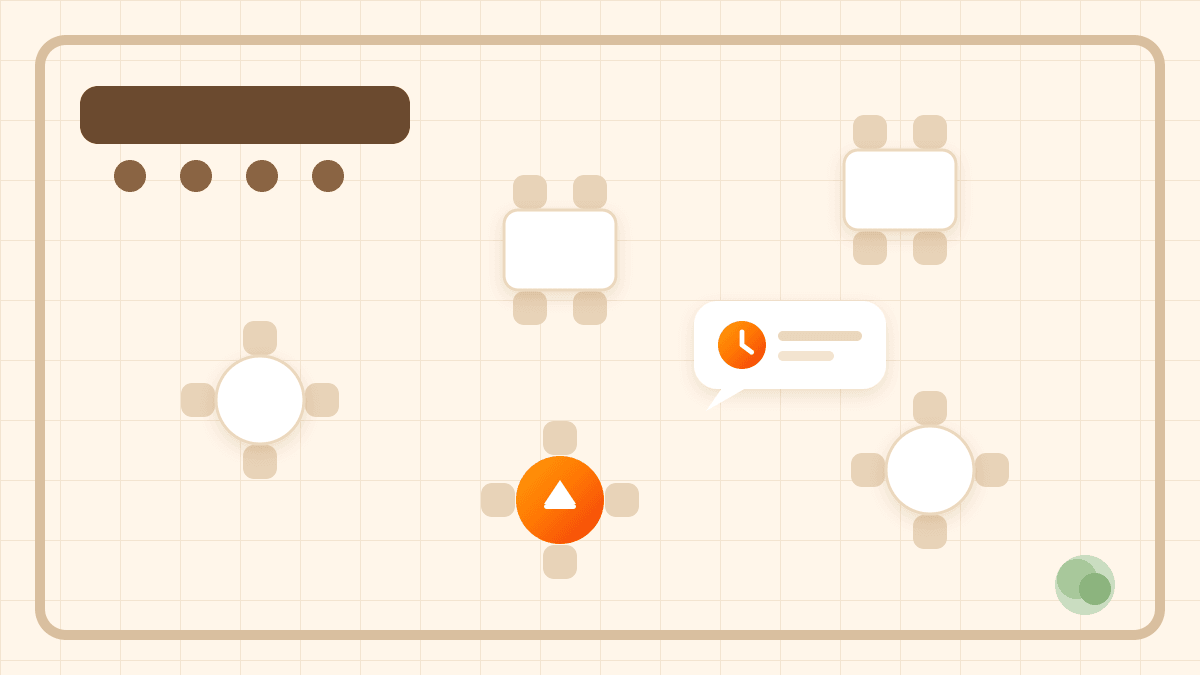
The flip side of a no-show policy is protecting guests from being marked as no-shows for arriving a few minutes late. A party that walks in ten minutes after their booking time isn't a no-show — they're a normal, slightly delayed booking, and treating them otherwise (especially if a fee is attached) turns a minor delay into a guest complaint you didn't need. A short buffer — commonly 10–15 minutes past the booking time — before staff can even mark a booking as a no-show avoids this, and it's worth setting explicitly rather than relying on staff judgment alone during a busy service.
Watch for patterns, not just individual incidents
A single no-show is a lost table. A guest who no-shows repeatedly is a pattern worth knowing about before you take their next booking. This doesn't require anything elaborate — a searchable booking history that shows past status (completed, cancelled, no-show) against a guest's name or email is usually enough for staff to make an informed call on a large party booking from someone with a track record of not showing up. That kind of history is one of the quieter advantages of moving off a paper diary or a shared spreadsheet, where a pattern like that is invisible until someone happens to remember.
Putting it together
None of these tactics needs to be extreme to work, and stacking all of them at once isn't necessary either. A reasonable starting point for most small restaurants:
- Turn on automatic reminders for every confirmed booking — no downside, no guest friction.
- Set a clear, visible free-cancellation window so guests who need to bail have an easy way to do it.
- Consider a no-show fee policy if empty tables hurt you most — keep it modest, disclose it upfront, and charge manually only after a genuine no-show or late cancellation.
- Give staff a short buffer before a booking can be marked as a no-show, so late arrivals aren't penalised.
- Check a guest's booking history before confirming a large party if their name looks familiar for the wrong reasons.
The goal isn't to eliminate every no-show — that's not realistic. It's to make cancelling easy enough that guests don't need to ghost you, while giving you a real option, not just an empty diary slot, when someone doesn't show up anyway.